Creating a cozy and inviting home workspace is essential for maintaining focus, comfort, and motivation throughout your workday. Whether you’re working remotely full-time or occasionally tackling tasks from home, having a dedicated, pleasant space can boost your productivity and general well-being. Here are practical tips to help you design a home workspace that feels welcoming and keeps you inspired.
1. Choose the Right Location
Consider natural light
Pick a spot in your home with plenty of natural light if possible. Natural light helps reduce eye strain and can improve your mood. Position your desk near a window, but be mindful of glare on your screen.
Find a quiet area
Select a space away from high-traffic areas to minimize distractions. If space is limited, use room dividers or curtains to separate your workspace from the rest of the room.
2. Invest in Comfortable Furniture
Ergonomic chair
A good chair supports your back and promotes healthy posture. Look for adjustable features such as height and lumbar support to suit your comfort needs.
Appropriate desk
Choose a desk that fits your tasks comfortably. Make sure it provides enough surface area for your computer, paperwork, and any other tools you use regularly.
3. Personalize Your Space
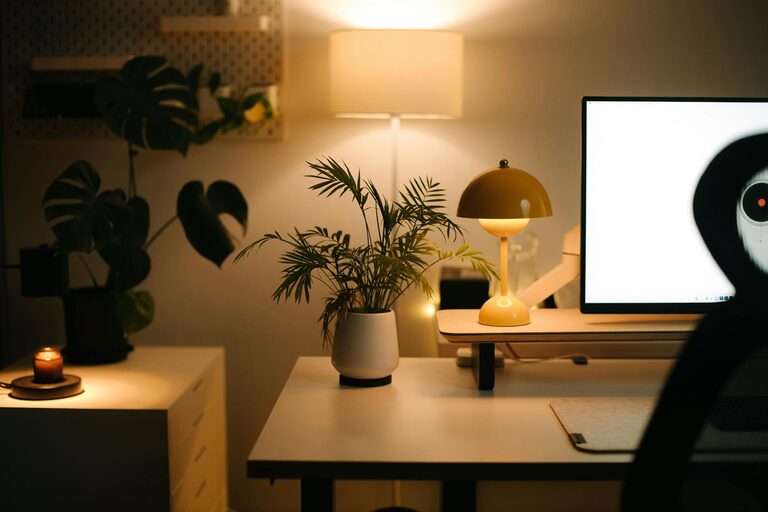
Add plants
Indoor plants improve air quality and bring a touch of nature indoors. Small potted plants or succulents are easy to care for and brighten up your desk.
Use artwork or photos
Decorate your workspace with pictures or art that motivate you. Choose calming or inspiring images that make you feel happy and focused.
Incorporate cozy textiles
A soft throw blanket or a cushioned seat pad enhances comfort and warmth, making your workspace feel more personal and inviting.
4. Optimize Lighting
Layer your lighting
Combine natural light with different lighting sources: task lamps for focused work, ambient lights to fill the room, and accent lights for atmosphere.
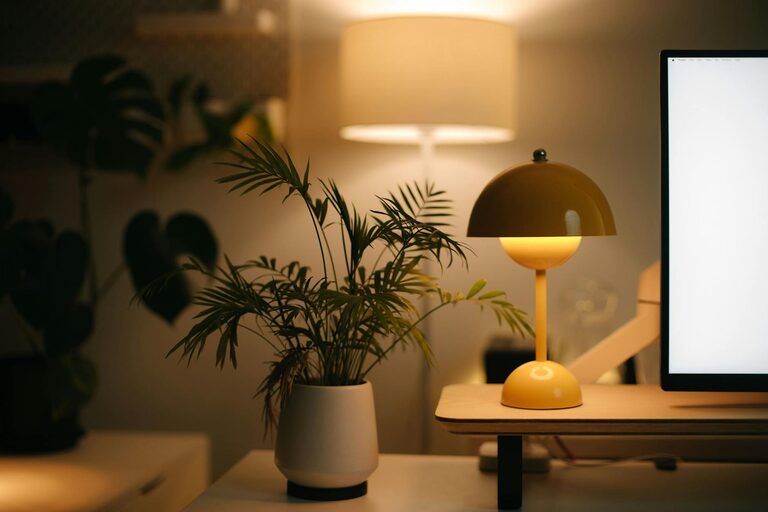
Choose warm lighting
Soft, warm light bulbs reduce harshness compared to bright, cold white lights. This creates a relaxing environment that is easier on your eyes.
5. Organize Efficiently
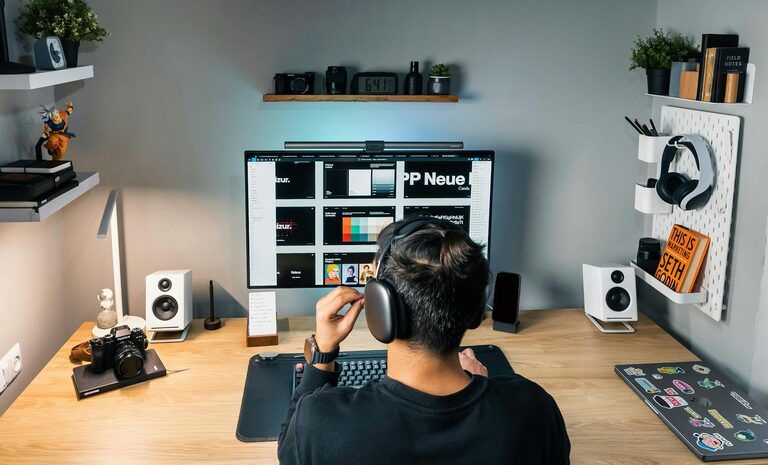
Use storage solutions
Keep your desk clutter-free with organizers like trays, drawers, or shelving units. Store supplies and documents neatly so everything you need is easy to find.
Declutter regularly
Take a few minutes each day or week to clear out unnecessary items. A tidy space helps maintain concentration and reduces stress.
6. Pay Attention to Acoustics
Reduce noise distractions
Use rugs, curtains, or sound-absorbing panels to soften sounds. Consider noise-canceling headphones if you need extra focus in a noisy environment.
Add calming sounds
Background sounds, like soft instrumental music or white noise, can help some people concentrate better.
7. Manage Technology Thoughtfully
Cable management
Use clips, ties, or sleeves to bundle cables together and keep your desk tidy. This prevents a tangled mess and frees up space.
Position screens ergonomically
Keep your computer screen at eye level and about an arm’s length away to avoid neck strain and eye fatigue.
8. Incorporate Break Areas
Create a mini relaxation spot
If space allows, include a comfy chair or a small sofa nearby. This area can be used for short breaks to rest your eyes and recharge.
Have a water station
Keep a water bottle or a small jug with a glass nearby to stay hydrated throughout the day.
Final Thoughts
A cozy, inviting home workspace balances comfort, functionality, and personal touches to support your workday needs. By thoughtfully arranging your environment, you can create a spot that encourages productivity and makes working from home a true pleasure. Small changes like adding plants, improving lighting, or simply organizing better can make a big difference in how you feel and perform. Take the time to design a workspace that suits you—your mind and body will thank you!